
Field Data board
Every mapped tag, register and metric with value, quality and age.
Platform · 05
Five live field protocols and an OPC UA server. System health and hardware check. Security, sign-in and a signed installer. Branding, themes and showcase mode.
Field protocols
Five field protocols in, one normalised feed out. Each protocol screen has the same parts: connectors, status, saved connections, settings and the point grid. Connections can be saved and exported as JSON.
Inverters and loggers, substation devices and meters, PLCs and battery storage, weather stations, thermal and PTZ cameras.
Every mapped tag, register and metric with value, quality and age.
Hands the reconciled data to a historian or an existing server.
No write verbs on any field protocol.
Operate › System Health
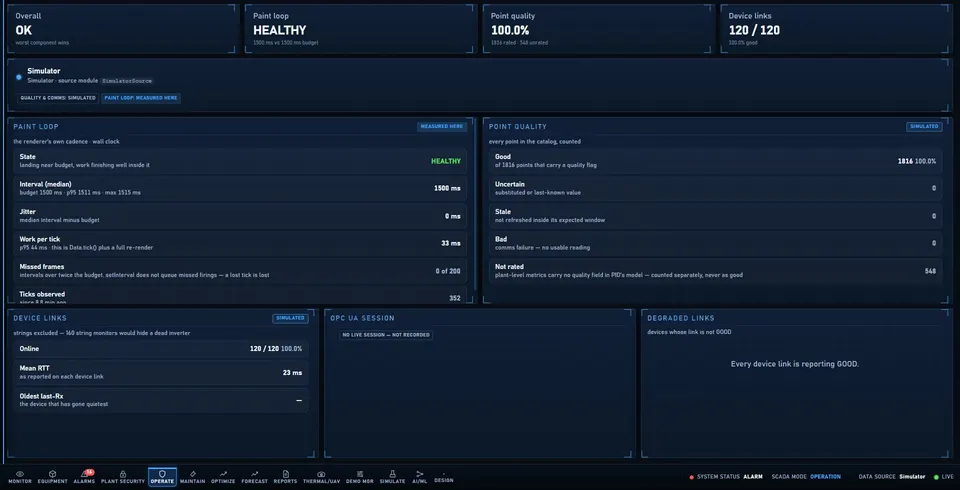
System health leads with data provenance before any number: refresh loop timing, point quality counts and device links. Hardware check measures this workstation for real and keeps plant computers in a separate, badged panel.
Secure by design
Nothing renders behind the lock screen until an operator signs in.
Who is signed in and what they may command is held in the protected main process.
The installed app carries a signed seal and refuses to start if it has been altered.
Encrypted installer payload and hardened runtime settings.
Cameras and access hosts are reached only through one destination policy.
Device passwords stay in the operating system's environment, not in APEX files.
Branding
Customer logo, alternate layouts and a light theme. Customer and vendor marks are separate, so a site handover changes one and keeps the other.
Demo Manager
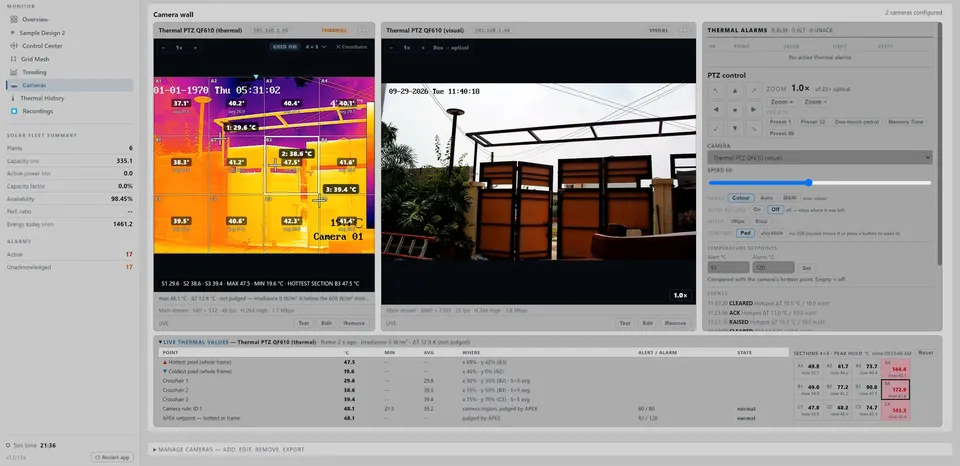
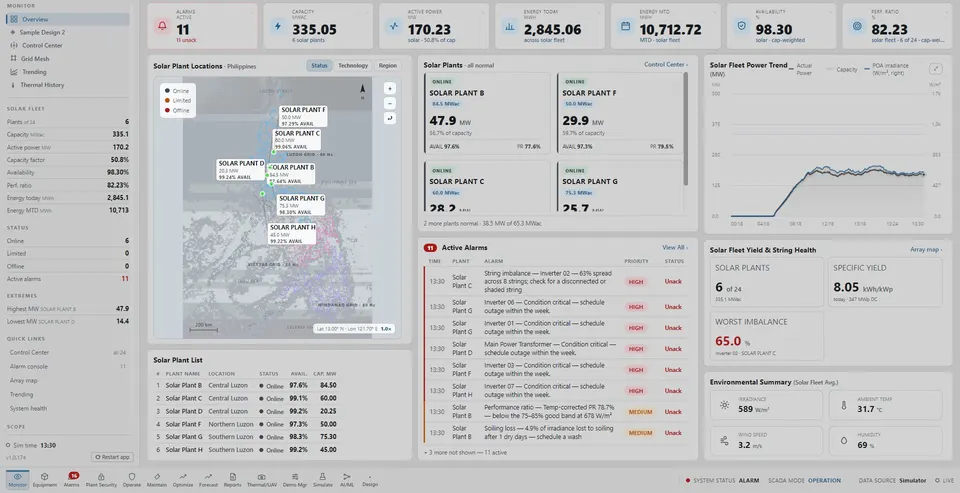
A self-running guided tour that walks the important functions with real clicks.
Walks the important functions with real clicks.
An animated cursor moves to each control; a card narrates each stop.
Generates and opens a PDF report once per run.
Any touch, key or scroll stops the tour at once.
Showcase mode walks the important functions in about four minutes. After that we list your SCADA points, protocols and camera positions.